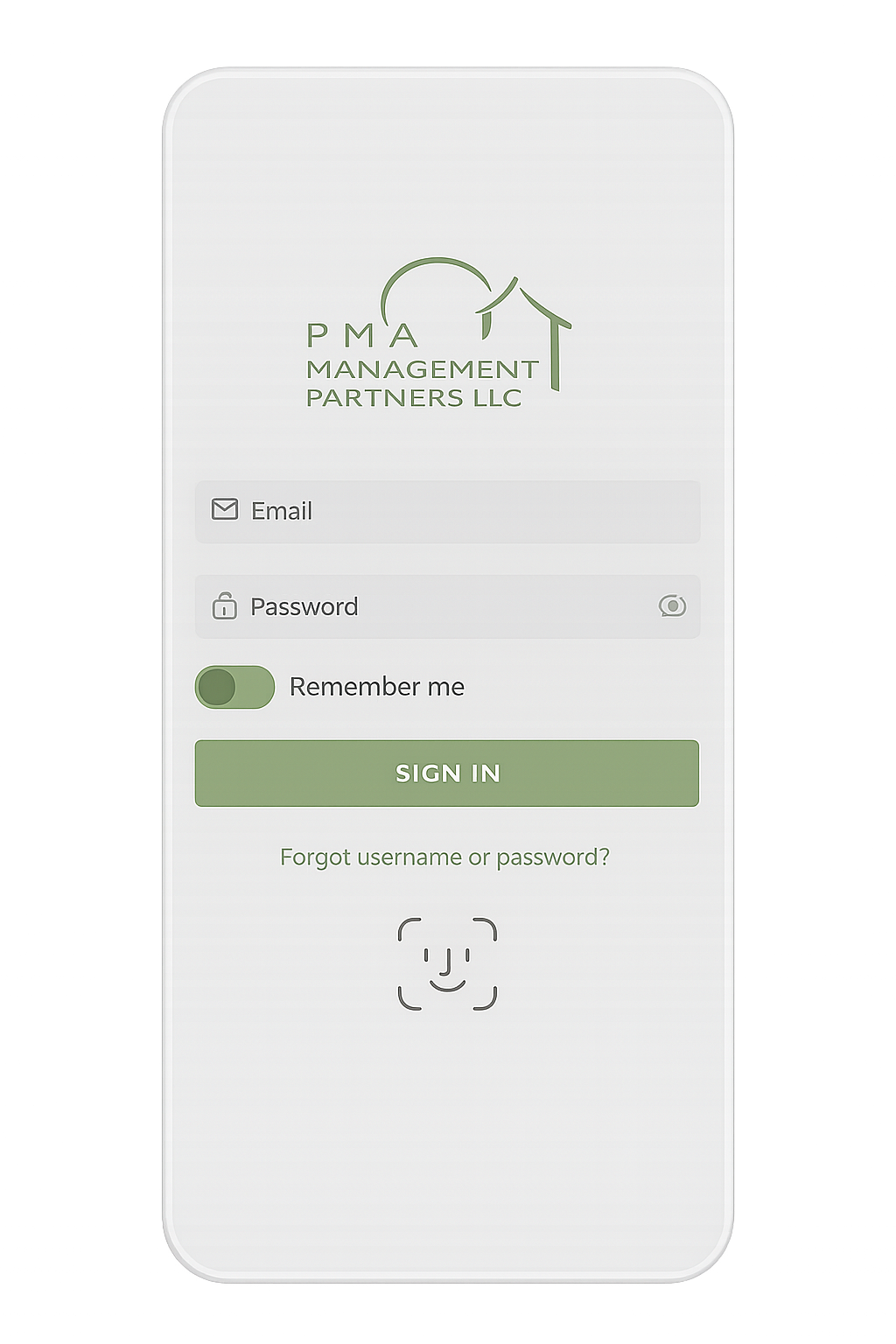
Your hub for the PMA app, community documents, and the resources boards and homeowners rely on day to day.
YOUR PORTAL, YOUR WAY
Get access to your board or resident portal anytime, anywhere. Pay assessments, submit maintenance requests, more!
…all from the palm of your hand.
Download the Online Portal App
THE BOARD VIEW
Manage Your Association Needs and Board Items Seamlessly Through Our Homeowner App
Empowering boards to stay connected with their communities to ensure homeowners are informed and engaged.
Board Members
Review board action items
Review architectural requests
Access board documents
Review violations
View, approve, or decline invoices
Review financial documents and monthly statements
Manage and create work orders for the association
The system will recognize if the user is a board member and provide secure access to customized content
Resident / Owners
Access homeowner dashboard
Access association documents, directories, and photos
Access violations – add comments and take pictures from mobile device to add to violation
Submit architectural requests - add pictures from mobile device and include attachments
Access homeowner ledger and pay assessments
Submit and check on status of work orders - add comments and take pictures from mobile device
View and update contact information
View the Community Calendar to see upcoming events
Easily switch between accounts if multiple properties
Submit a ARC Request
Log in to the association Portal. Once logged in, hover over My Profile. Click on ARC Requests.
Please read your community guidelines before submitting an ARC request.
Submit a Work Order
Log in to the association portal. Once logged in, hover over My Profile. Click on the Work Orders.
Submit a Payment
To pay your association assessments, please click on the image to the left. You may also set up your payment as a recurring draft. The payment will appear as an automatic draft on the bank account you designate.